 Altura
iPhone · Apple Watch · One-time purchase
Your hikes,
in paper and ink
Altura turns the hikes you already record with your Apple Watch into a map of the day: your route over contour lines, your photos where you took them, the moment it got hard, and a card you can share.
Requires iOS 17 or later · English, Español, Italiano, Deutsch
How it works
Three steps, none of them new
Record a hike
Start a Hiking workout on your Apple Watch, or use any app that saves hiking routes to Apple Health.
Open Altura
It reads the route, elevation and heart rate, finds the photos you took on the way and names the day after the places you walked through.
Relive and share
Replay the day minute by minute, find the moment it got hard, and send a paper-and-ink card to whoever came along.
01 · Library
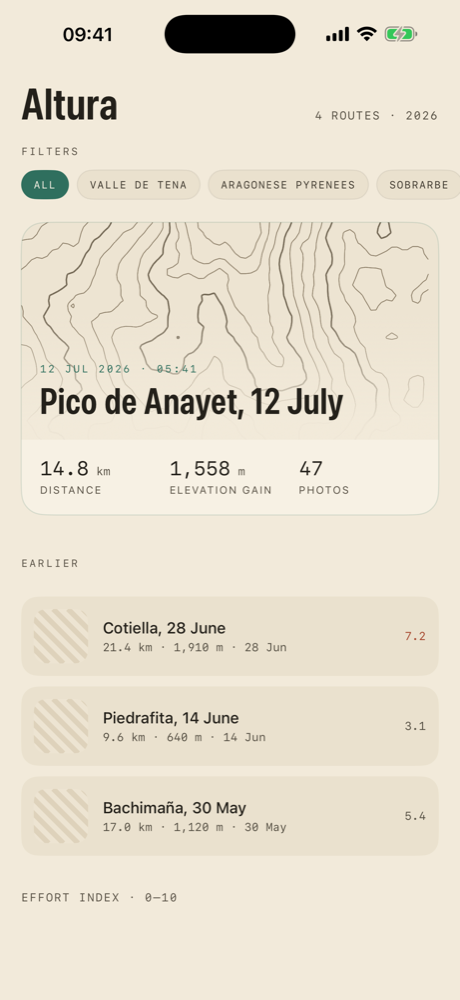
Every hike, newest first
All your hikes from Apple Health with distance, elevation gain and photos. Smart filters group them by year, area, length, season or difficulty.
- Routes are named after the summit, lake or valley you reached.
- On iPhones with Apple Intelligence the title is proposed on-device from the places and your photos.
02 · The map of the day
Replay it minute by minute
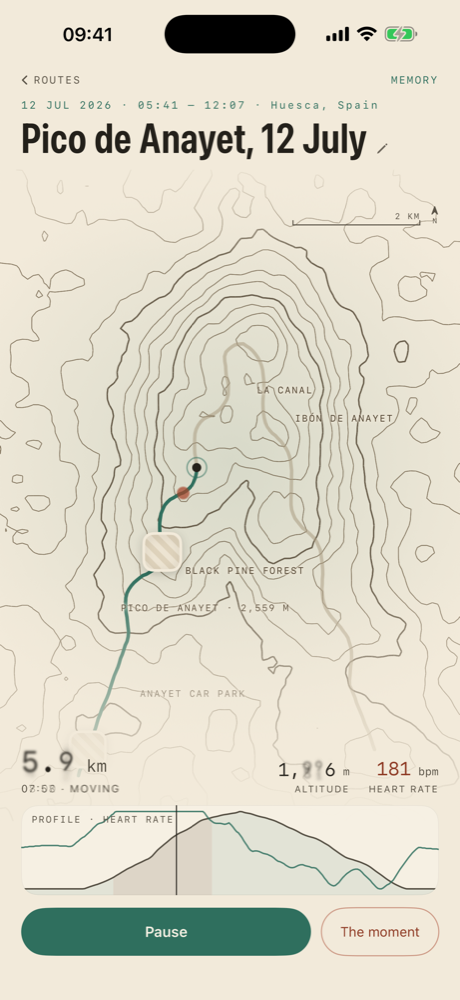
The route draws itself over hand-styled contour lines. Your photos and videos appear where you took them, and altitude and heart rate follow along.
- Pinch to zoom, drag the elevation profile to scrub through time.
- Videos loop quietly on the map and play with controls in the gallery.
03 · The moment
Where it got hard
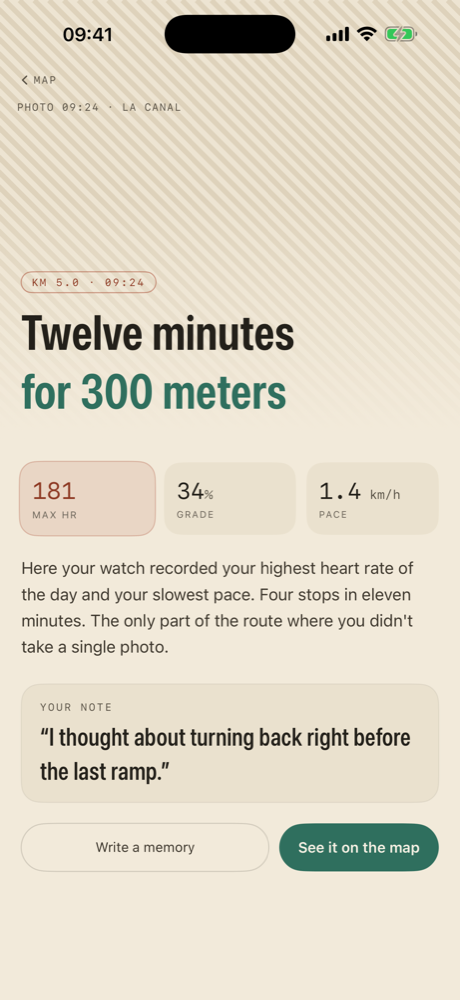
Altura finds the stretch where your heart rate was highest and your pace slowest, and tells it plainly.
“Twelve minutes for 300 metres.”
- Add a note about what went through your head there.
- Notes stay on your iPhone and appear on the shared card.
04 · A memory to share
One card, the whole day
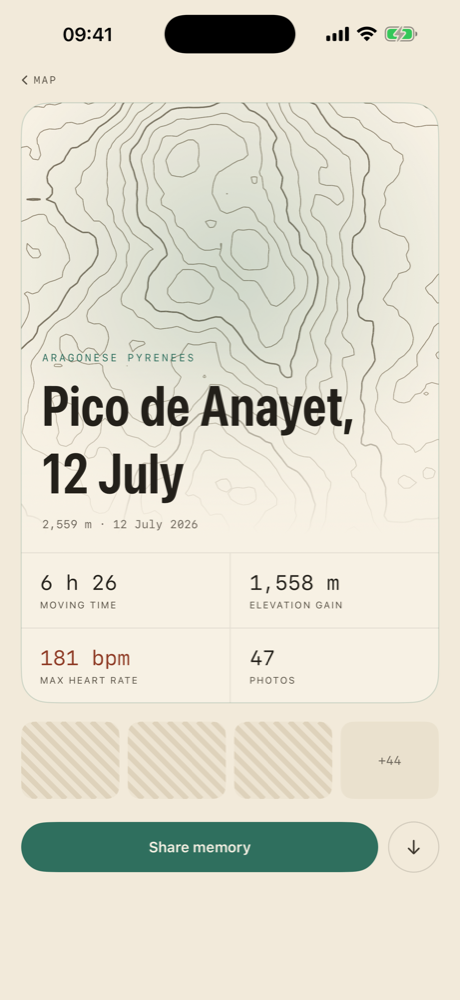
The map, the summit, the date, your time, elevation gain and heart rate, plus a strip of your photos and your notes.
- Save it to Photos or send it to whoever was with you.
- You choose where it goes. Altura only creates the image.
One purchase · No servers
Nothing leaves your iPhone
You pay once when you download Altura and you own it. Future updates are included. Altura has no backend: your routes, heart rate, photos and notes are read and processed on your iPhone and stay there.
- No subscriptions, no in-app purchases, no “pro” version
- No ads, no analytics, no crash reports
- No account to create
- Health and Photos access is read-only and can be revoked any time
- Place names come from the maps service built into iOS
What you need
Just what you already have
- An iPhone with iOS 17 or later.
- Hikes recorded in Apple Health with a GPS route: from Apple Watch (Hiking workout) or any app that saves hiking workouts with routes to Health.
- Optional: access to Photos, so Altura can find the pictures from each hike.
- No hikes yet? Altura shows a sample day so you can see what yours will look like.
Questions
Before you download
Does Altura track my hikes itself?
No. Altura does not record anything. It reads the Hiking workouts you already have in Apple Health, recorded by your Apple Watch or by another app that saves routes to Health.
Does it work with Strava, Garmin or Komoot?
If those apps write hiking workouts with a GPS route to Apple Health, Altura will show them. Workouts without a route in Health cannot be drawn.
Is there a subscription?
No. Altura is a one-time purchase. There are no in-app purchases, no “pro” tier and no ads. Updates are included.
Where are my data stored?
On your iPhone only. Altura has no servers and no account. Notes and generated titles live in the app's own storage and are removed if you delete the app.
Which languages does it support?
English, Spanish, Italian and German. Dates and numbers follow your iPhone's region settings.
Altura for iPhone